Path: sidebar Config
Config holds everything you set up once and then reuse again and again.
Project templates
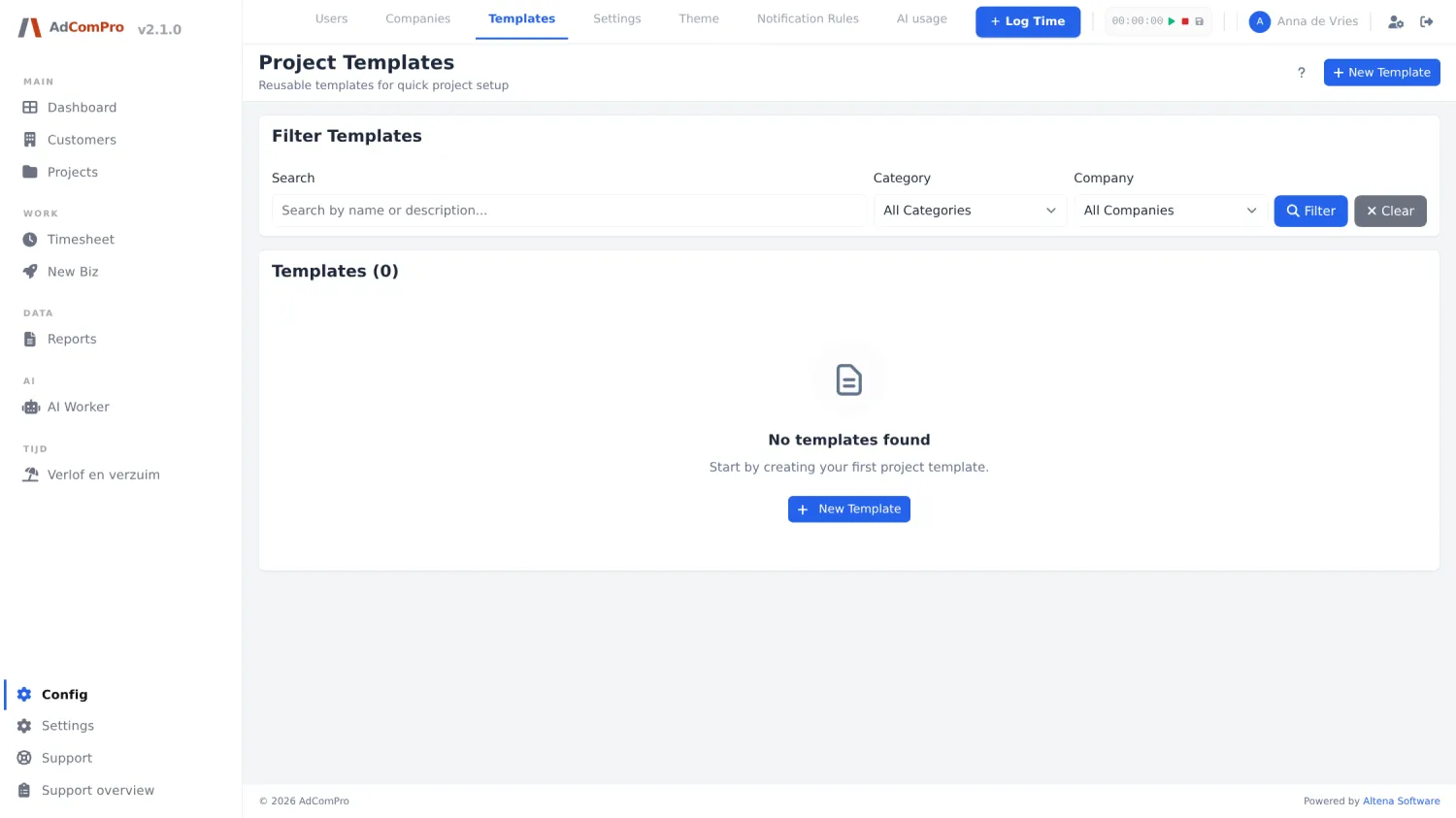
A template is a ready-made structure of milestones and tasks, optionally with pricing agreements. When you start a new project you load the template and the whole setup is in place right away.
| Button | What it does |
|---|---|
| + New Template | New template: name, description, category, company and the structure. |
| All Categories / All Companies | Filters; Filter applies them and Clear clears them. |
| Click a template | Open it to add, rename or drag milestones and tasks. |
Services (Service catalog)
Separately from templates you can define individual services — smaller blocks of work with their own price and colour, which you add to an existing project. Useful for recurring work that does not always occur in the same order.
Invoice templates
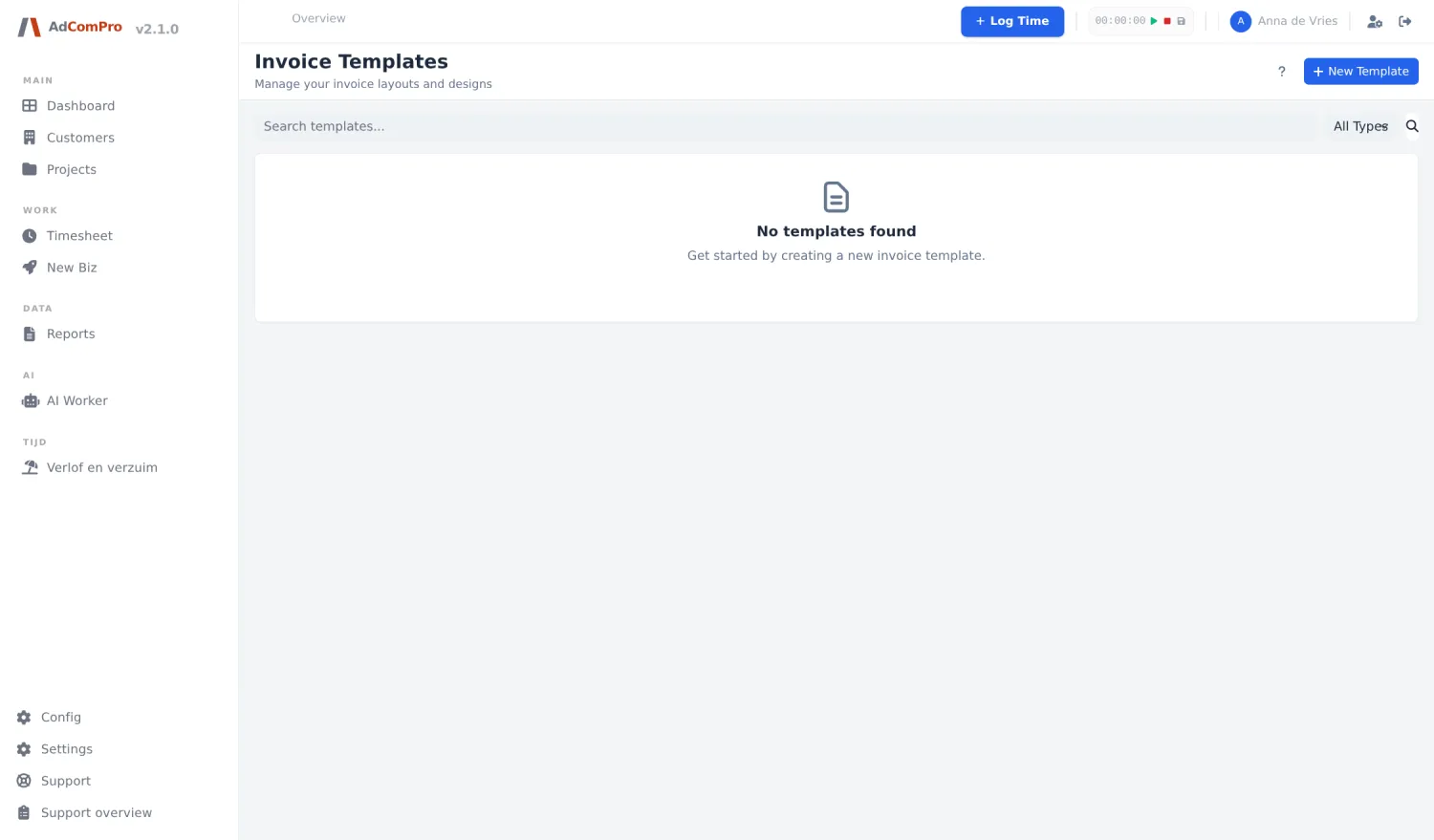
These control the layout of the invoice (not of the activity report — that is chapter 16). There are five kinds: Standard, Modern, Classic, Minimal and Detailed. Per client or project you choose which template applies.
Notification rules
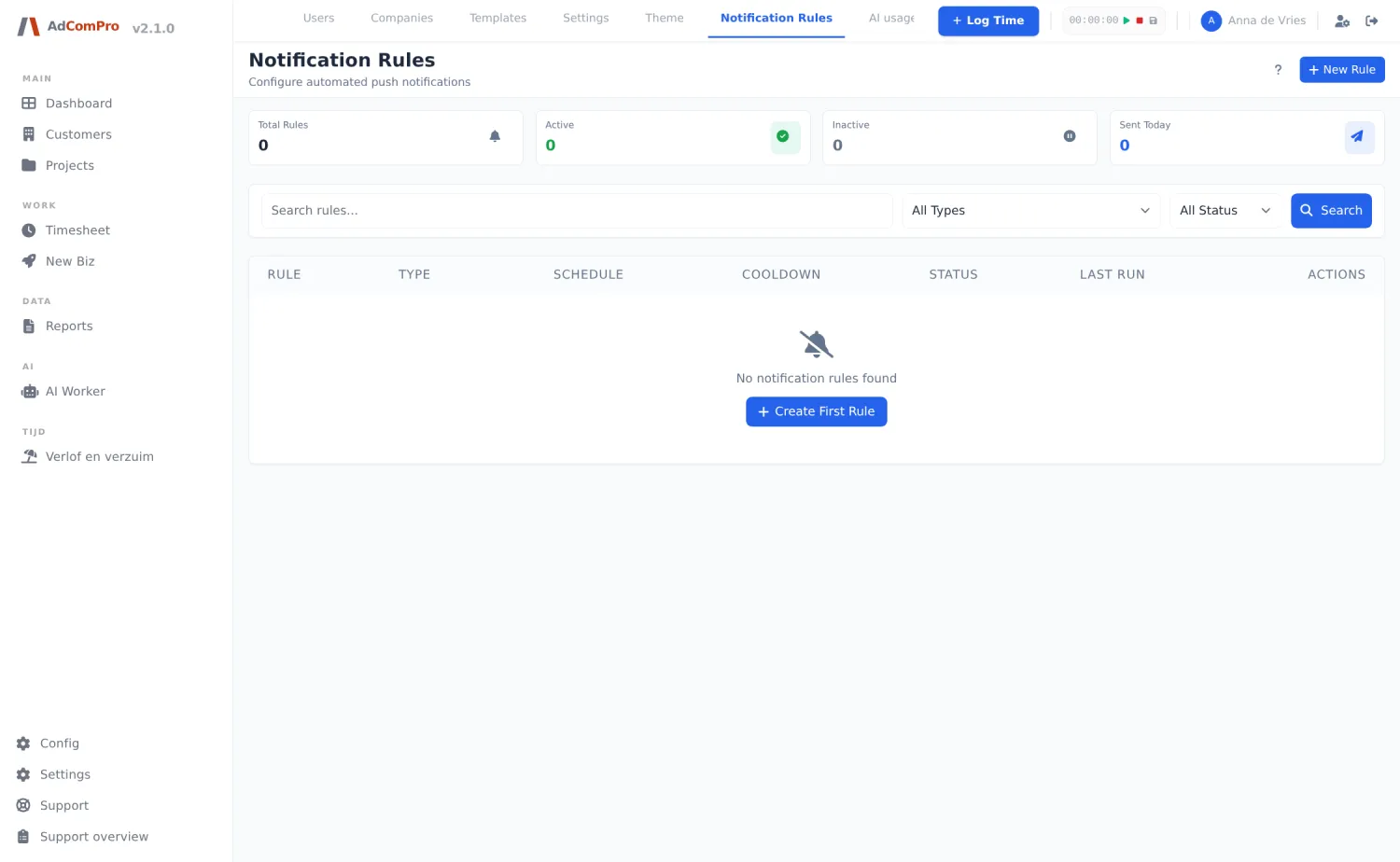
| Rule type | When it fires |
|---|---|
| No time logged (X days) | Someone has logged nothing for X days. |
| Low time logged | Someone is below a percentage of the expected hours. |
| Other rules | Signals around tasks and projects; the All Types dropdown shows the full range. |
For each rule you define who gets notified, how often, and whether the rule is active. + New Rule creates a rule; the search and status filters help you find them again.