Path: /plugins/leave · sidebar Leave and absence
A separate module with four screens. If it is not in your sidebar, it is not enabled for your organisation (chapter 27).
Requests
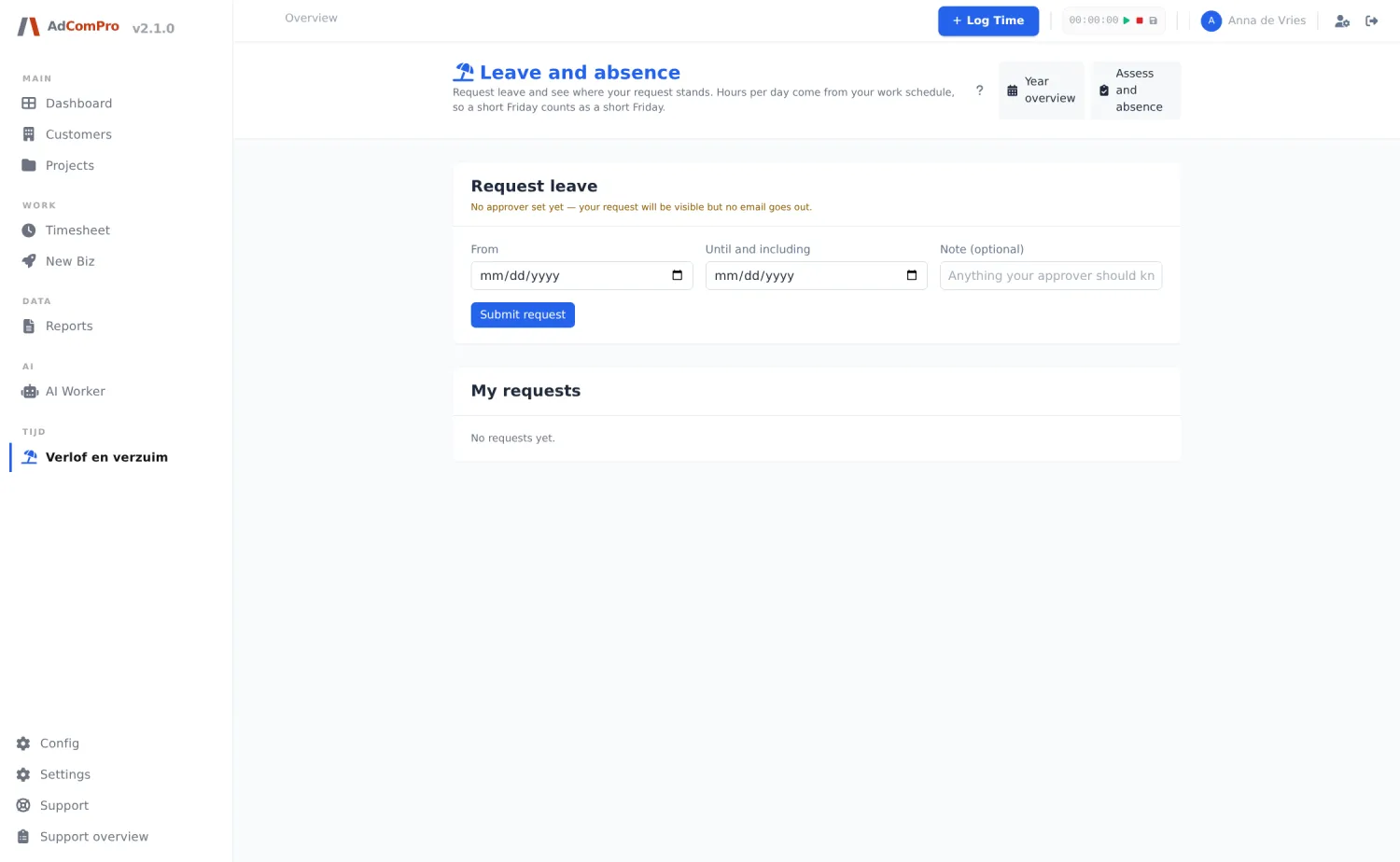
You request leave with a start and end date and an explanation. You see your own requests with their status and can withdraw a request that has not yet been reviewed.
The working-hours condition applies here too: without working hours per day, the application does not know how many hours a leave day counts, and the request button stays disabled.
Year planner
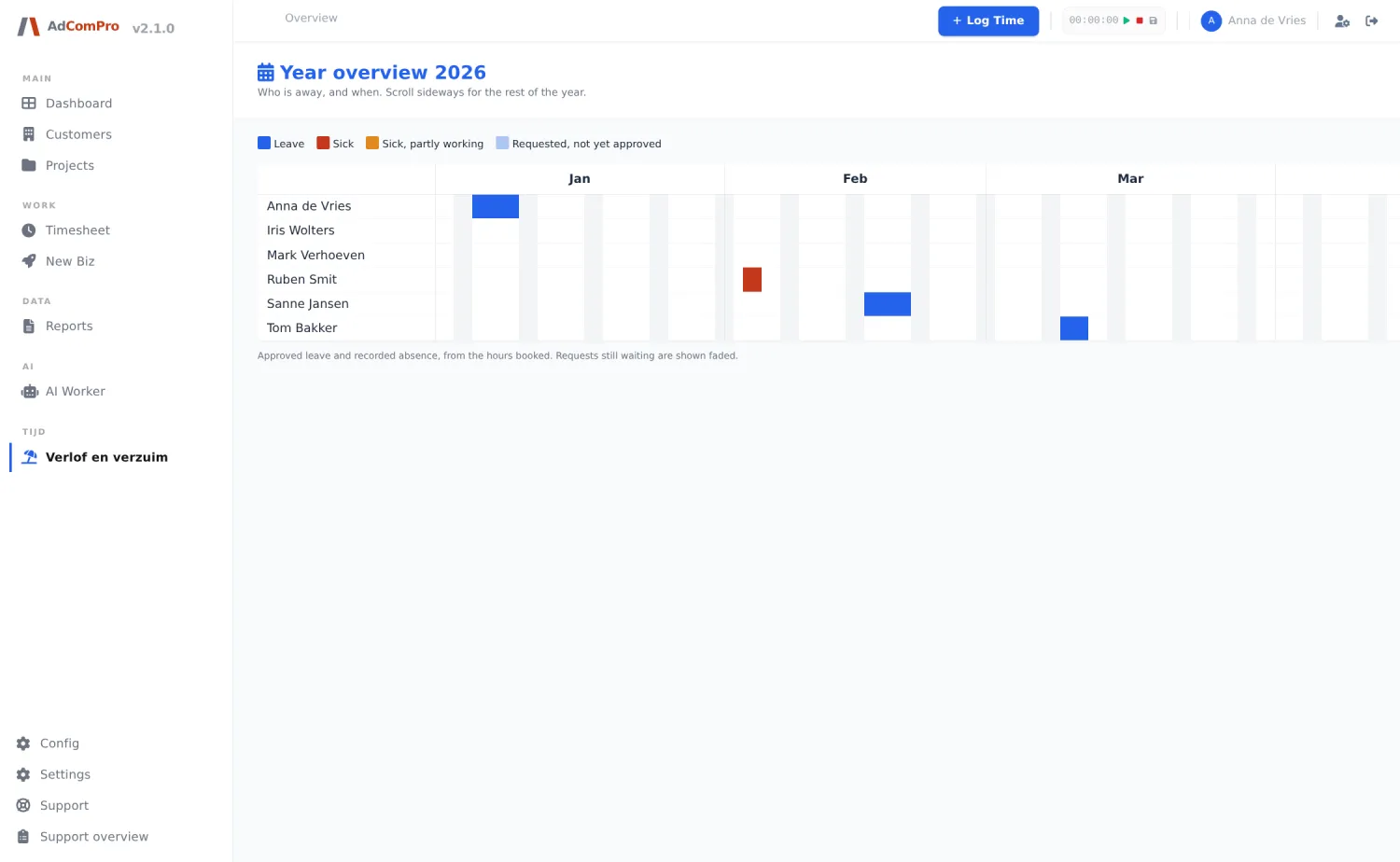
The planner reads the logged hours, not the requests: only what is actually recorded as leave or sickness in the administration is coloured. Requests still awaiting approval appear faded. The legend at the top: Leave, Sick, Sick, partly working (reintegration) and Requested, not yet approved. Scroll sideways for the rest of the year.
Privacy. Everyone may see the planner, but only those with review rights see the distinction between leave and sickness. For everyone else it is all one colour “absent” — sickness is health information.
Reviewing
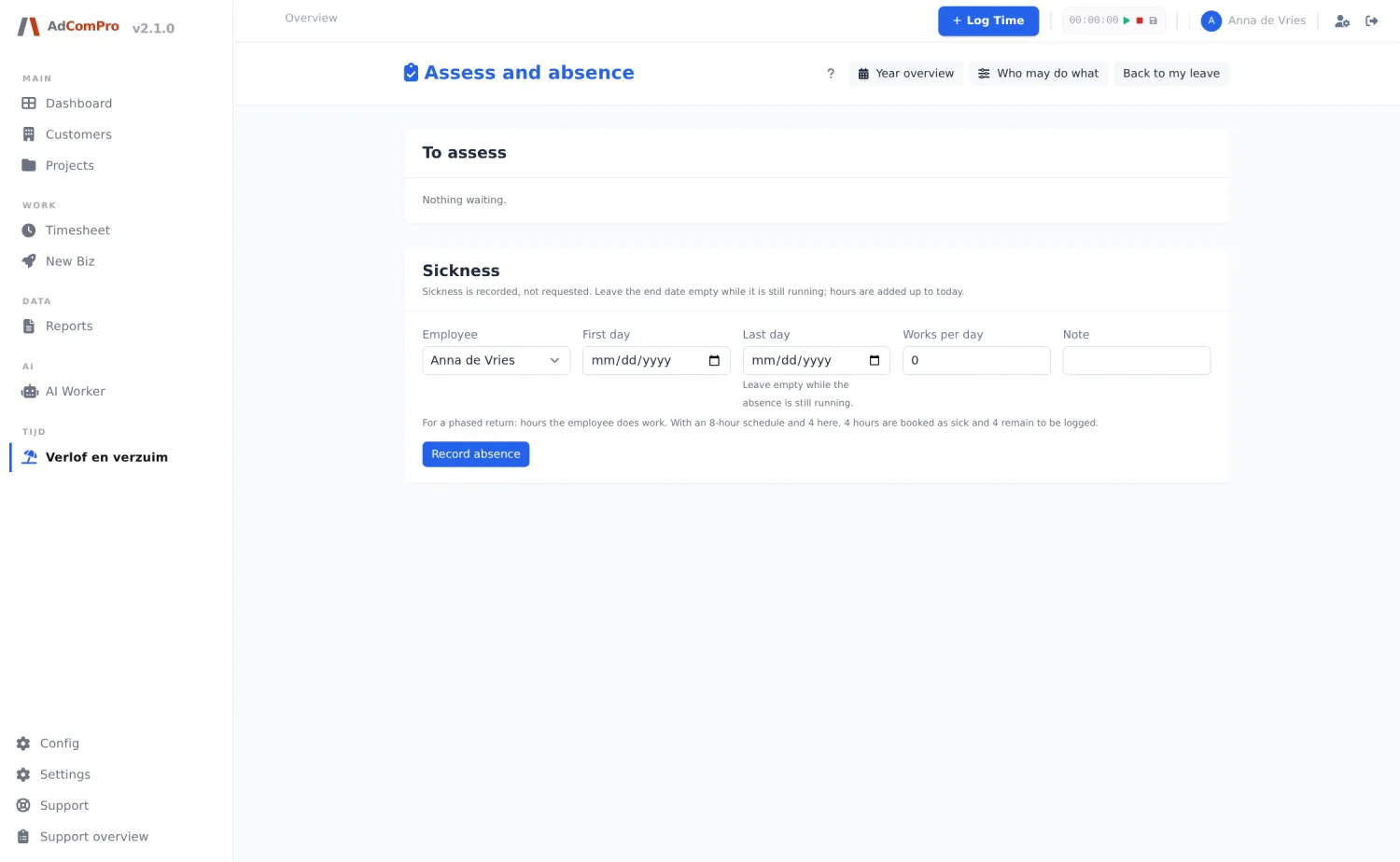
Open requests with the option to approve or reject them, with a reason. On approval, the leave hours are booked for the entire period; days on which someone does not work or is already absent are skipped.
Settings
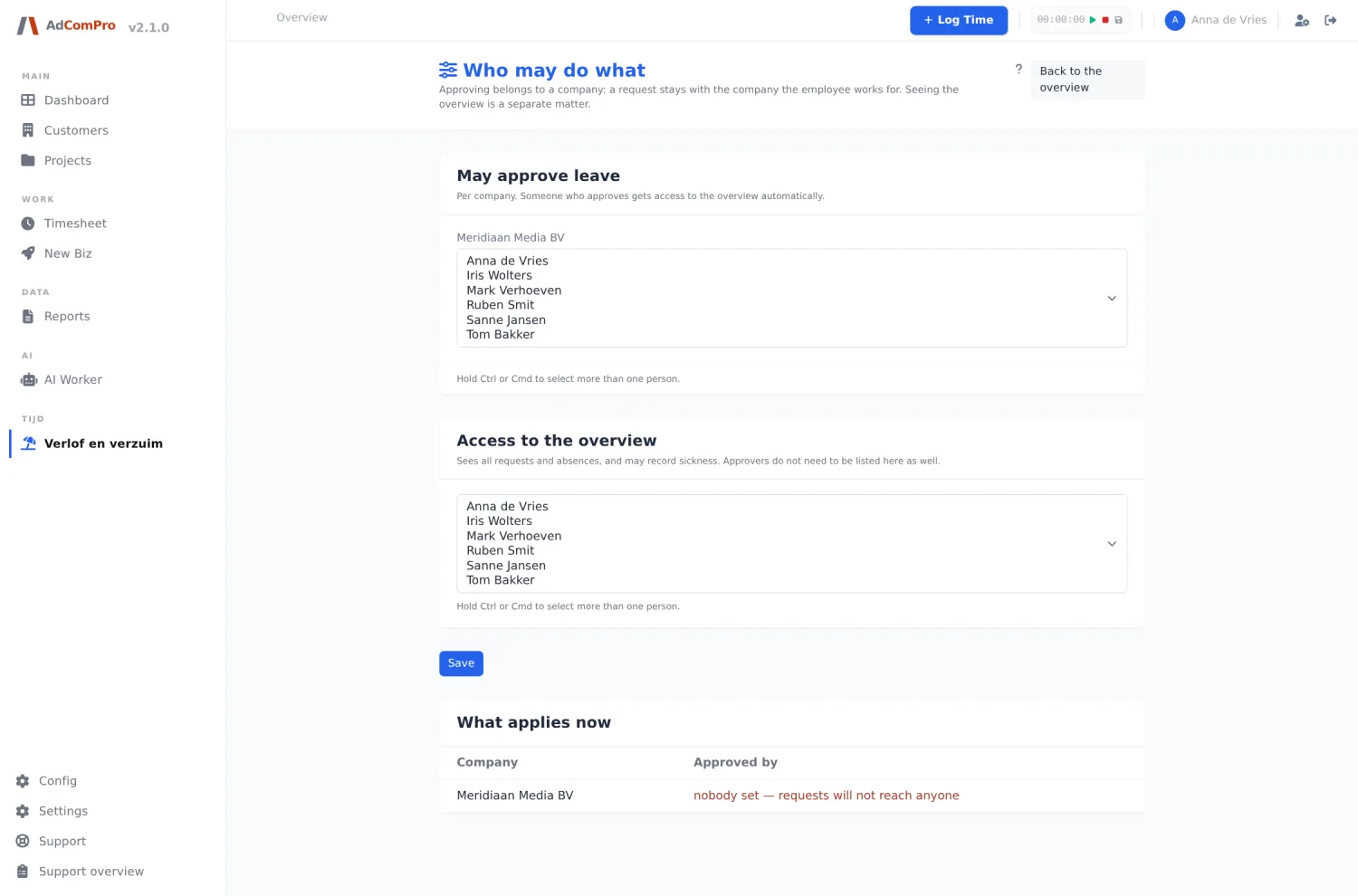
Here you define who may review requests and how much leave is available per year. For sickness periods you can record that someone works partially (reintegration); those days get their own colour in the planner.