Path: /companies · top menu Companies
A company is the B.V. that does the invoicing. If you work with several B.V.’s, the company on the project determines who sends the invoice and which default rate applies.
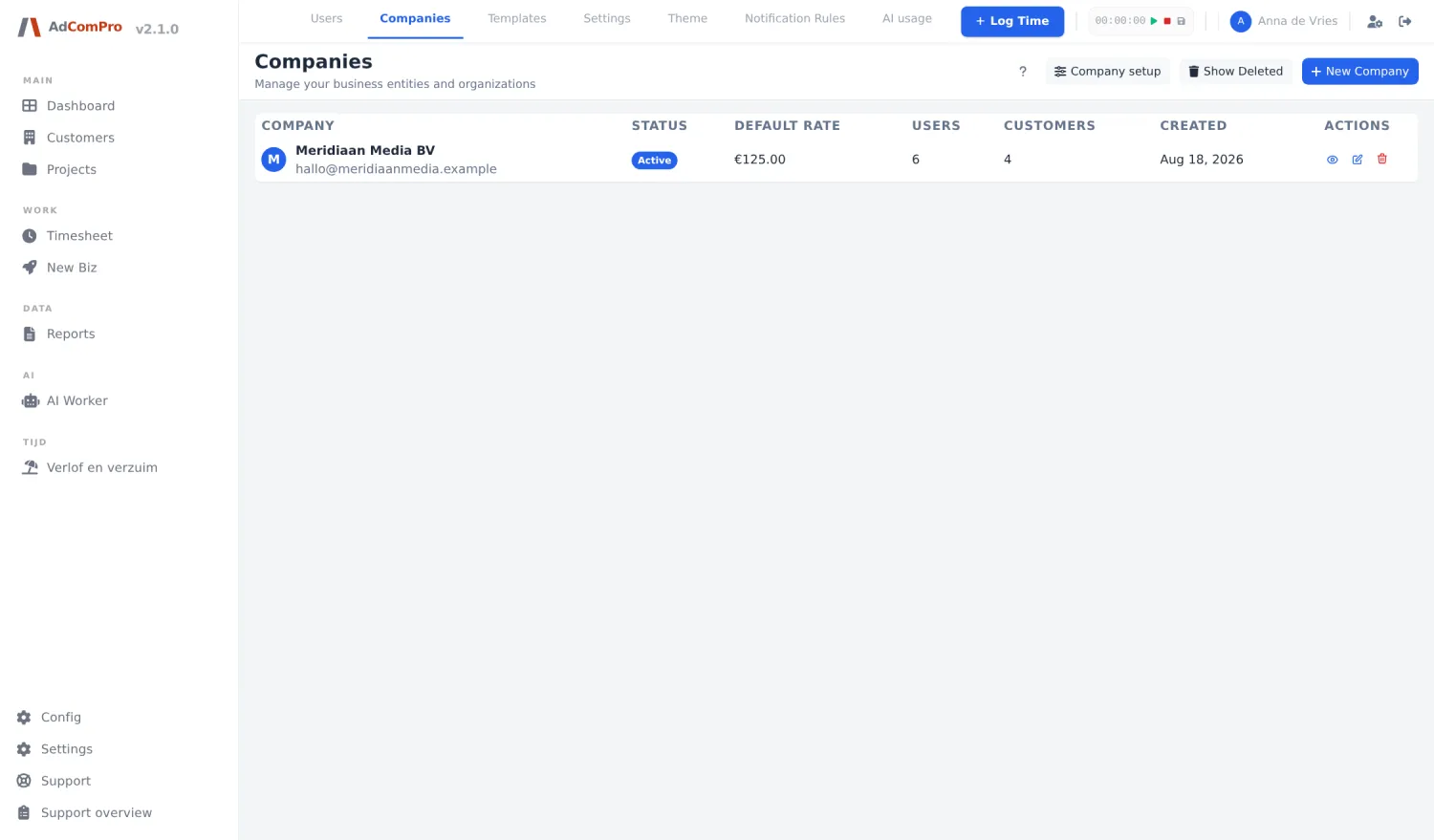
| Button | What it does |
|---|---|
| + New Company | Add a new company. |
| Company setup | Explains how to choose between working with one company or with several. |
| Show Deleted | Show deleted companies. |
| Eye / Pencil / Trash | View, edit, delete. |
The fields
| Field | Explanation |
|---|---|
| Name / Legal name | The display name and the registered legal name. |
| VAT number / Registration number | VAT number and company registration number; both appear on the invoice. |
| Address fields, Email, Phone, Website | The contact details shown on the invoice. |
| Default hourly rate | The rate that applies when neither task, milestone nor project has its own rate. |
| Booking target (%) | What share of the expected hours should have been logged. Drives the reminders on the dashboard. |
| Billable target (%) | What share of the logged hours should be billable. Drives the colours and the Rate tile. |
| Invoice prefix / next number | The structure of your invoice numbers, for example MM-2026-0001. |
| Bank details | Bank account details for the invoice. |
| Is main invoicing | Marks the company that invoices by default. |
So that is where those percentages live. The target behind Rate (70%) on your dashboard and the Efficiency column in Hours Logged come from here — not from a personal setting.