Path: /reports/<number>/finalize-view
This view shows what the customer will receive: the same layout, the same white space, the same amounts.
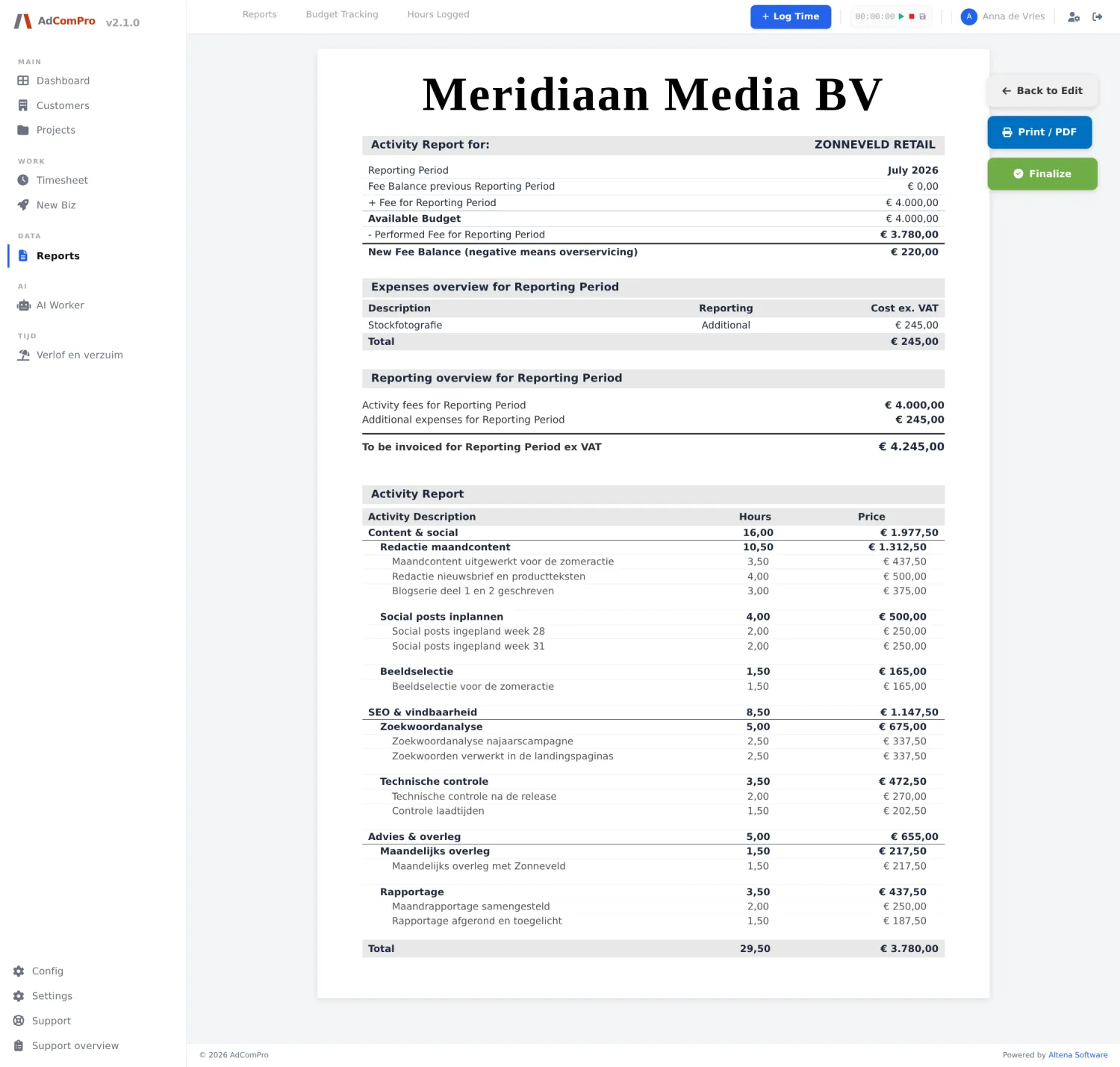
| Button | What it does |
|---|---|
| Back to Edit | Back to the edit view. |
| Print / PDF | Unfolds a menu in which you choose the layout preset and the display (hours and amounts, hours only, or amounts only). The page reloads with that choice. |
| Opens your browser’s print dialog. | |
| Finalize | Finalises the report. |
What finalising actually does
- The report gets the status Finalized and can no longer be edited.
- The PDF is saved at that moment, with the layout you chose at the time. If you change the layout settings later, that saved PDF no longer changes.
- The hours on the report count as processed; they will not appear again on a subsequent report.
- The remaining balance carries over as the opening balance of the next period.
Need to change something after all? A finalised report can be reopened. Everything you change afterwards is recorded again and the PDF is regenerated.
The PDF for the customer
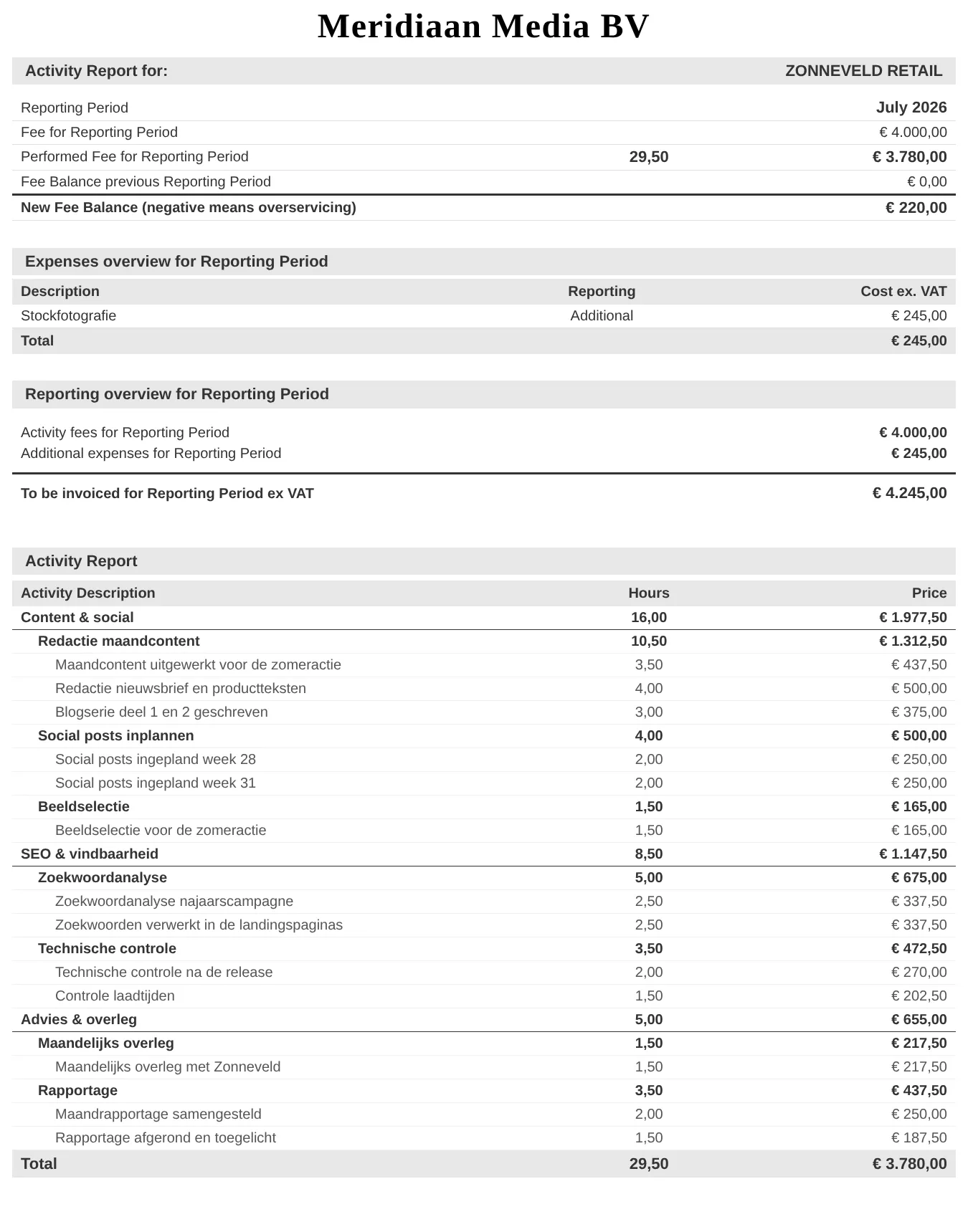
From top to bottom: the header with company name and customer, the period information with the fee ladder (agreed amount,
work delivered, balance of the previous period, new balance), the costs, the summary with the amount to be invoiced, and finally the
activities per milestone and task. Internal notes after [intern] are not included, nor are hidden
lines.