Path: /projects · sidebar Projects
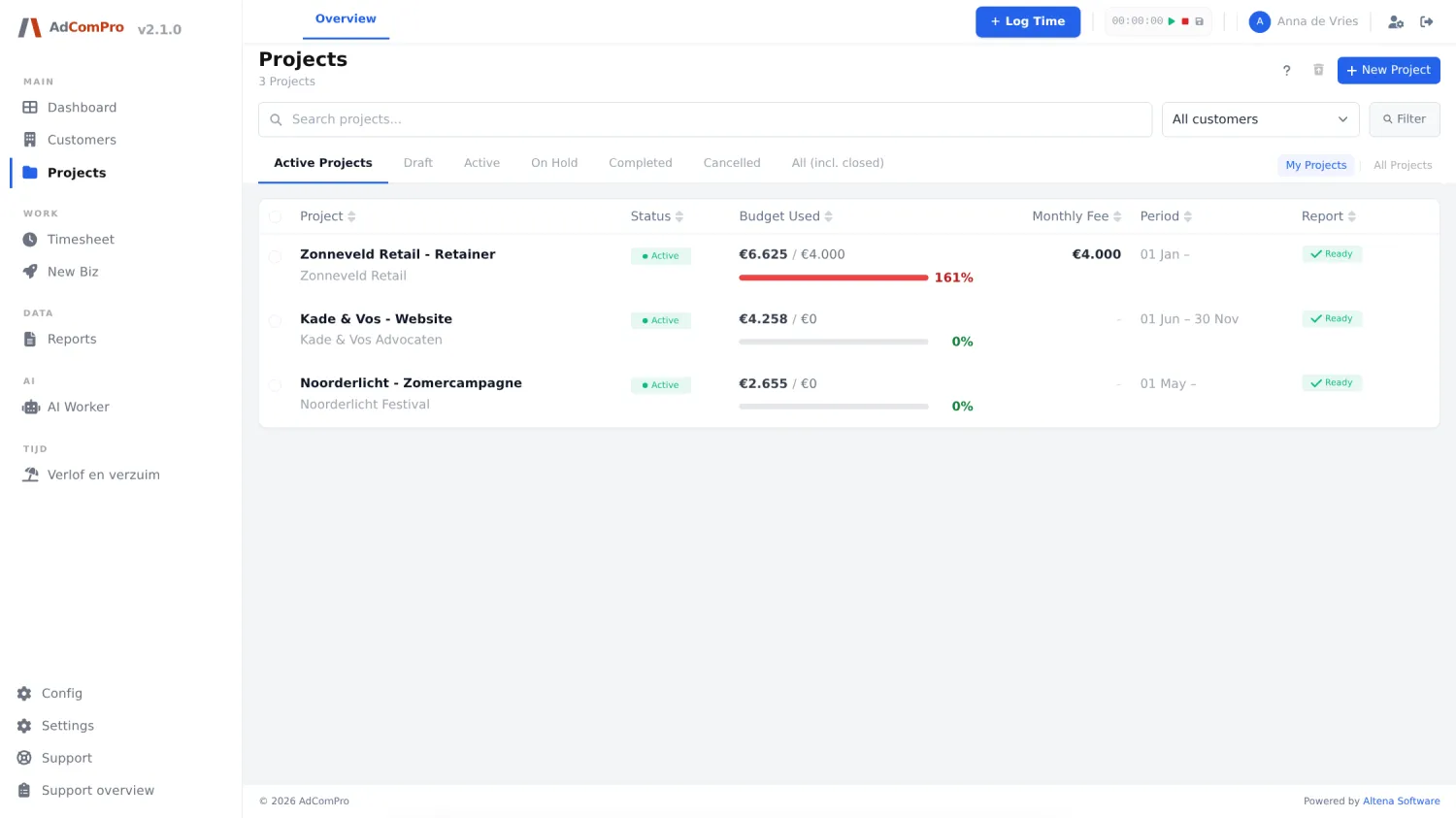
| Button or filter | What it does |
|---|---|
| + New Project | Opens the project form (below). |
| Search field | Searches by project name and customer name. |
| All customers | Limits the list to a single customer. |
| Filter | Applies the search field and customer filter. |
| Status tabs | Active Projects, Draft, Active, On Hold, Completed, Cancelled and All (incl. closed). |
| My Projects / All Projects | Only projects you are attached to, or everything you are allowed to see. |
| Column headers | Project, Status, Budget Used, Monthly Fee, Period and Report are clickable to sort; another click reverses the order. |
| Trash icon (header) | Goes to Deleted projects: view and restore deleted projects. |
| Checkboxes | Tick projects; a bar with bulk actions appears at the bottom. |
| Change Status | Bulk: Set to Draft, Activate, Put On Hold, Mark as Completed, Cancel Projects. |
| Set Series ID | Bulk: put the ticked projects into the same recurring series. |
| Delete | Bulk delete, after confirmation. |
| Clear | Clears the selection. |
The Report column. Ready means a period is waiting that you can report on. If it says anything else, the previous period has not been finalized yet — see chapter 13.
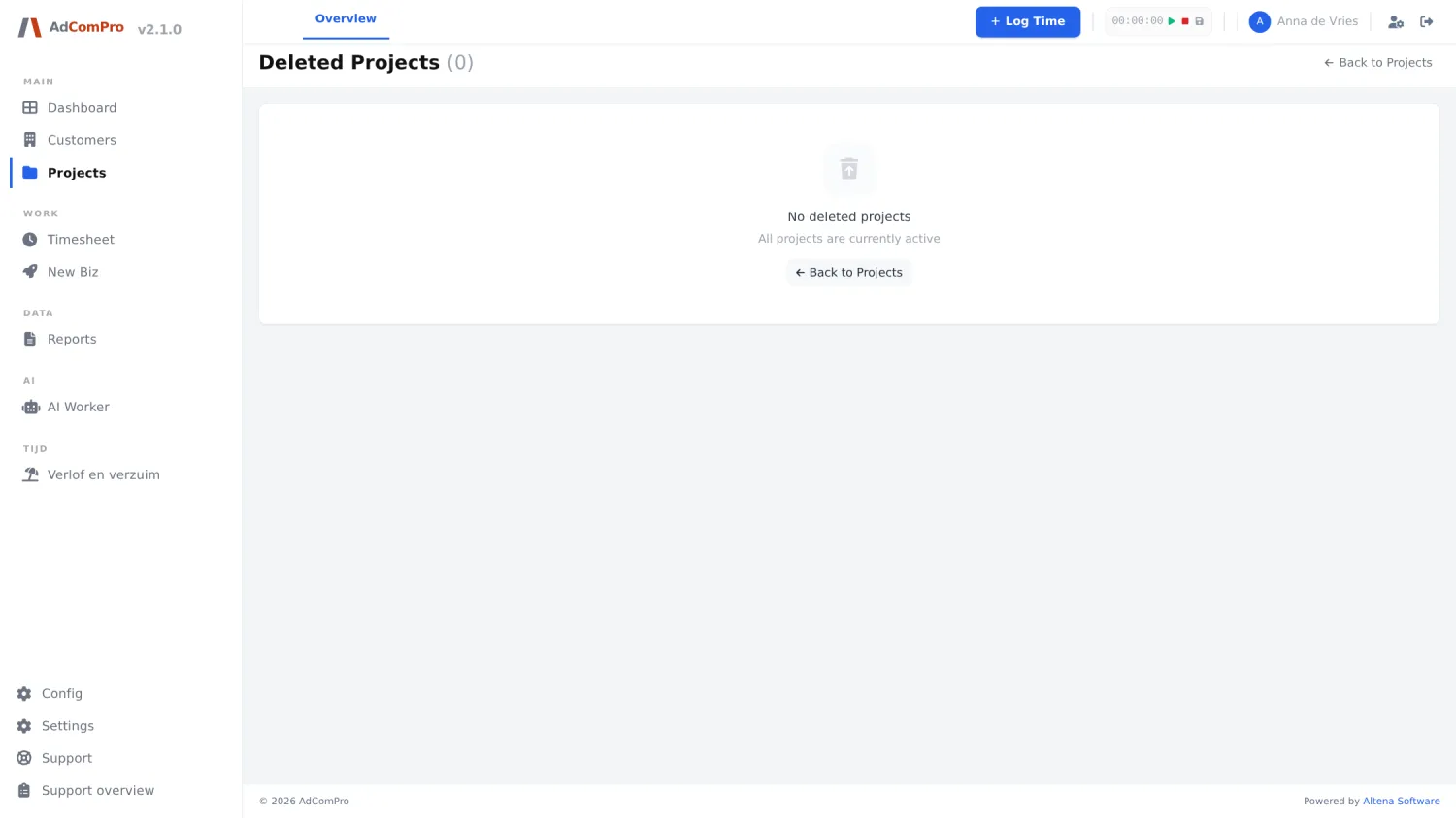
New project: the fields
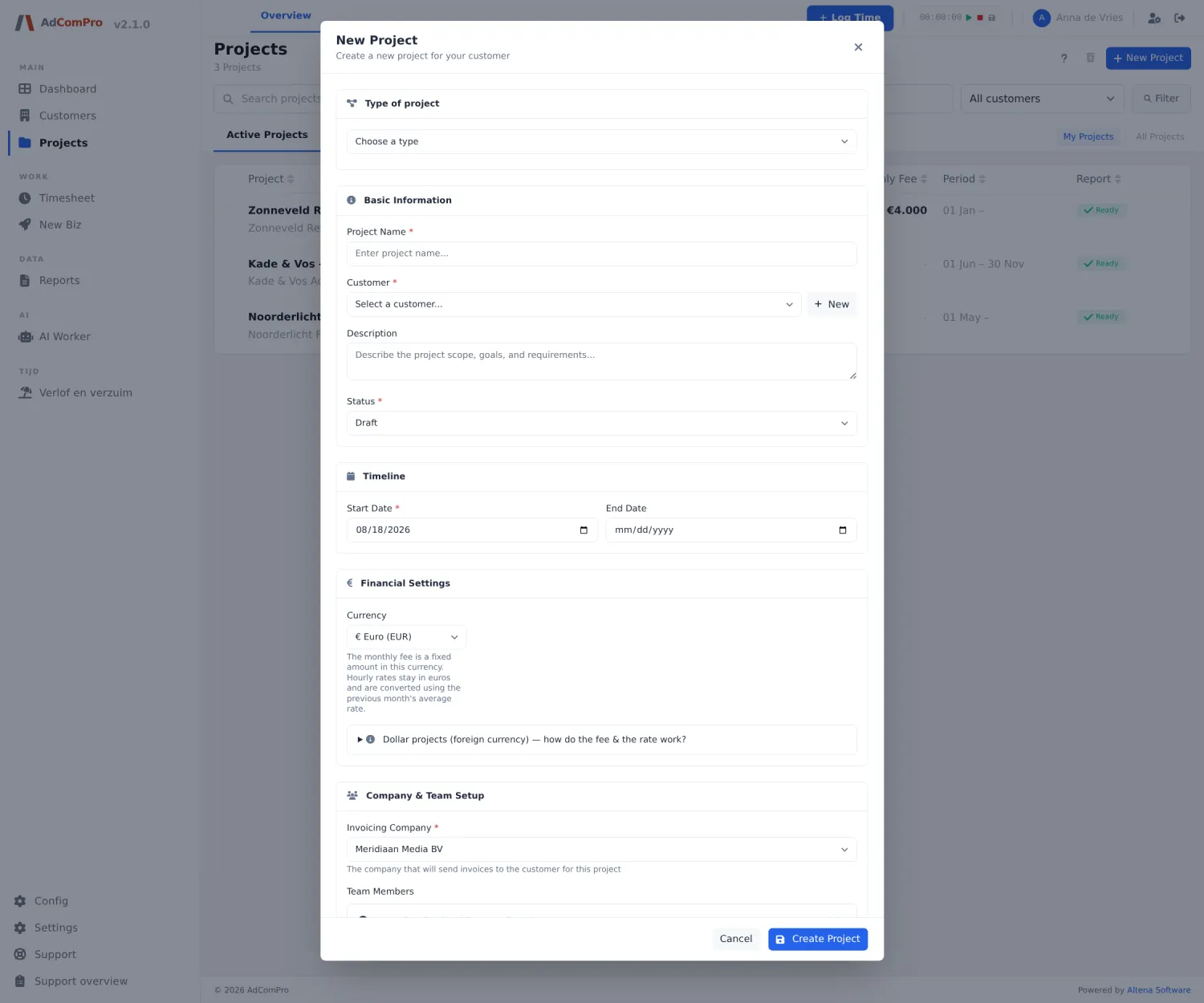
| Field | Explanation |
|---|---|
| Type of project | The kind, and with it the calculation rules: Retainer (fixed amount per period, hours count against a monthly budget), Support subscription (SLA), Fixed price, Prepaid hours, Time and materials, Subscription or Internal. If you choose nothing, all fields remain visible. |
| Project Name | Required. This name appears on the report. |
| Customer + New | The customer. With + New you create one on the spot. |
| Description | What the project is about. |
| Status | Usually starts as Draft; once Active, everyone can log time on it. |
| Start Date / End Date | The duration. An end date is not required. |
| Currency | Euro or dollar. The monthly amount is in that currency; hourly rates stay in euros and are converted using the average exchange rate of the previous month. |
| Monthly Fee | The fixed amount per period (for retainer and subscription). |
| Fee rollover | Whether unused budget rolls over to the next period. |
| Initial rollover | An opening balance for the first period of a series. |
| Included hours / Overage rate | For an SLA: how many hours the subscription includes and the rate above that. |
| Contract amount | For fixed price: the total contract sum. |
| Hourly rate | The default rate of this project (see the pricing ladder in chapter 1). |
| Billing frequency | Monthly, bimonthly, quarterly, semi-annually, annually or a custom number of days. |
| Invoicing Company | Which of your companies sends the invoice. Also determines the fallback rate. |
| Team Members | Who may log time on this project. You set permissions per member later. |
| Make this a recurring project | Enables automatic renewal (chapter 11). |