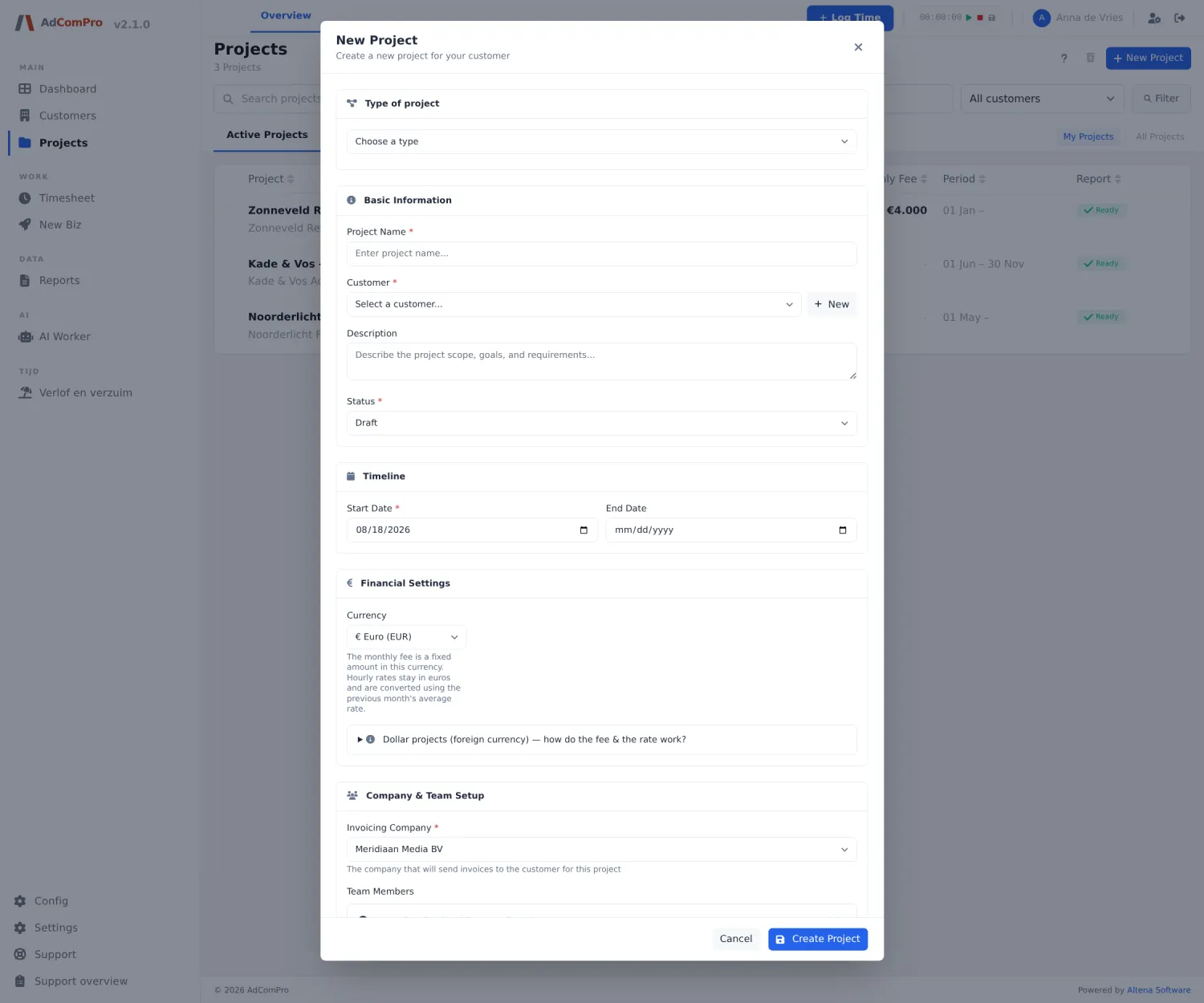
Not every client agreement works the same way. A retainer has a monthly budget, a website has a contract sum, a hosting contract has no hours at all. In AdComPro you therefore pick a type per project, and that type decides three things at once: what the pot is that hours are set against, when an invoice comes into being, and whether hours are written at all.
Each type is its own module. Which types you can pick on a new project depends on what is enabled in your environment (see Getting started, step 4). With only one type enabled, the selector disappears entirely.
The seven types side by side
| Type | The pot | Invoice | Hours |
|---|---|---|---|
| Retainer | Monthly amount, unused budget can roll over | Per period | Yes |
| Support subscription (SLA) | Included hours per period, expire at the end | Per period, plus excess hours | Yes |
| Fixed price | Contract sum, runs out | Per instalment or milestone | Yes, for the margin |
| Prepaid hours | Purchased hours, topped up | Up front, on purchase | Yes |
| Time and materials | None, optionally a ceiling | Per period or on completion | Yes |
| Subscription | None | Per period, fixed amount | No |
| Internal | None | Never | Yes, for cost insight |
Retainer
A fixed amount per period, with hours set against that budget. A retainer is recurring by definition: when creating one you only pick the period (every month, two months, quarter, half year or year) and the app sets up the series that creates a new project every period. Budget left over can roll into the next period; that is called rollover and is switched on or off per project. How the series and the budget work in detail is covered in chapter 5 and chapter 7.
Support subscription (SLA)
Looks like a retainer, but the pot is in hours instead of money: eight hours of support per month, say. The two differences that cost money:
- When it’s gone, it’s gone. Everything above the included hours goes to the excess rate you set on the project. The app does not block excess hours but flags them, rate included, so it is visible what should be charged on. In the year overview, excess work gets a column of its own.
- Unused hours expire. The client pays for availability, not for hours; nothing rolls over by default.
Fixed price
One contract sum for the whole engagement: a website, a campaign, a rebrand. There is no monthly budget; the question is not whether you stay within the month, but whether margin remains at the end. The project detail shows contract sum, spent and margin, and you manage the instalments there: when invoicing happens, by hand, on a date or on a milestone. Extra work goes in as its own instalment outside the contract sum, so it stays visible what was agreed and what came later.
Prepaid hours
The client buys hours up front; the balance runs down and is topped up. Fundamentally different from a retainer, and easy to miss: the balance does not reset at the end of the month, it runs out. Per bundle you record hours, amount, purchase date and optionally an expiry date. Hours are consumed in order of purchase (oldest bundle first), so a bundle with an expiry date really is used up first. The balance sits in one line: bought, used, remaining and expired. The invoice arises on the purchase of a bundle, not on consumption. If the team keeps working while the balance is empty, that is made visible but not blocked.
Time and materials
Hours times rate, without a pot. Optionally you set a ceiling: the agreement “not above this amount without talking first”. That ceiling is a conversation, not a wall; the app warns above eighty percent and reports when it is passed, but never refuses a booking. Ongoing work is invoiced per period; a one-off engagement without a fixed price goes on billing frequency “On completion” and is settled at the end in a single report.
Subscription
Hosting, licences and other fixed amounts per period with no hours written against them. A subscription has no budget block and does not appear in the project selector of the time tracking; a booking that lands on it anyway is refused with an explanation. That keeps the administration clean: no budget story wrapped around something that has no budget.
Internal
Hours are written for cost insight, but no invoice ever goes out and there is no rate. Use this for your own products, marketing for your own agency, or any other work where you want to know where the time goes without a client attached. For loose internal hours without a project (meetings, administration) there is also internal time booking; see chapter 6.
Disabling a type
Switch a type module off and that type is no longer a choice on a new project. Existing projects of that type keep working unchanged, budgets and reports included. So feel free to start small and enable types as you need them.