Path: /settings › card Report layout (PDF)
You configure the look of the report yourself: white space, order of the sections, columns, colours and font. The card saves every change immediately and shows a live preview PDF of your most recent report next to it.
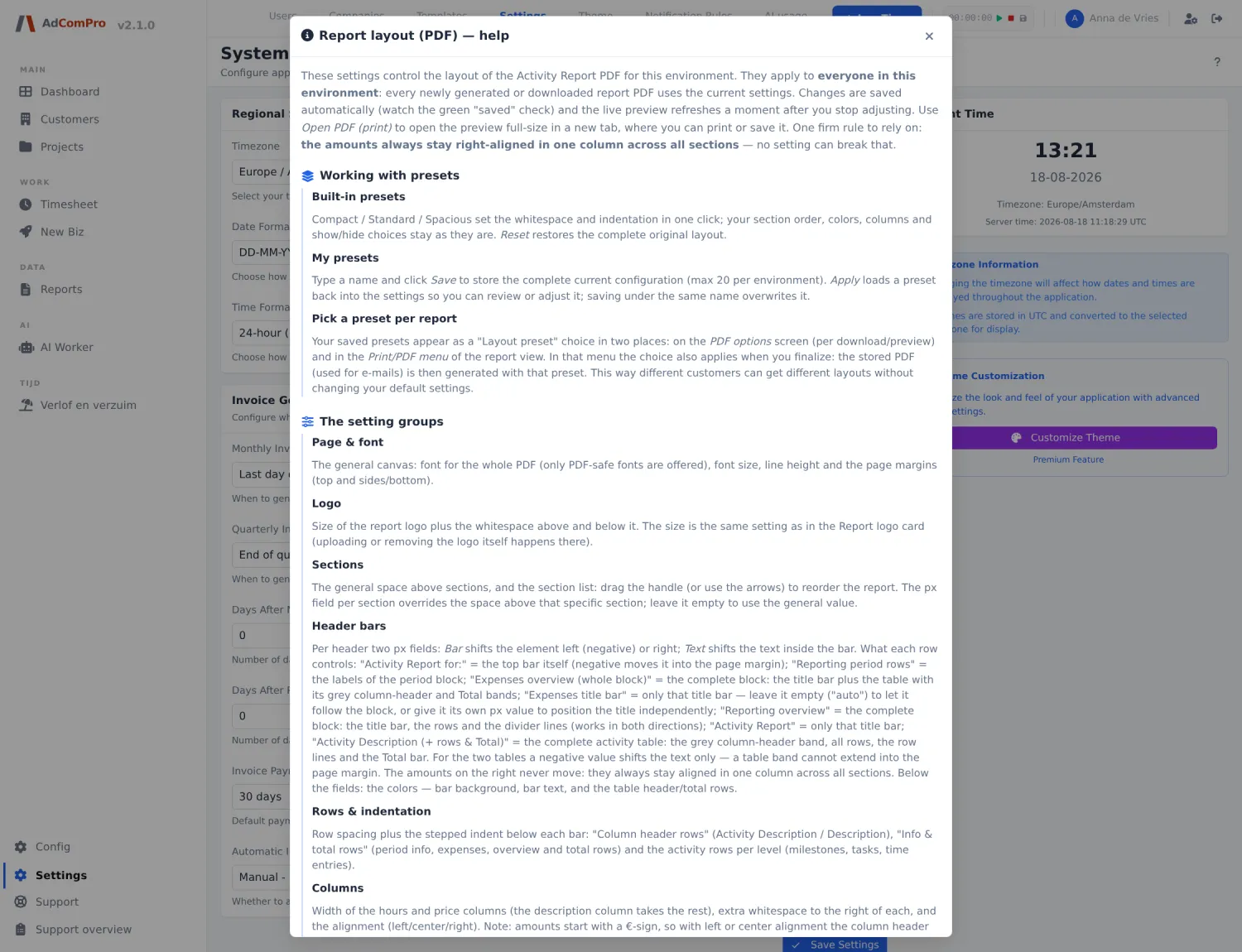
| Element | What you configure |
|---|---|
| Preset | Compact, Standard or Spacious: ready-made white-space settings. Reset puts everything back to the default. |
| My presets | With Save you store the current layout under a name. When downloading or finalising, you choose per report which preset to use — so not every customer has to get the same layout. |
| Page & font | Font (only typefaces the PDF engine can render reliably), font size, line spacing, row height and page margins. |
| Logo | The scale of the logo and the white space above and below it. The logo itself is uploaded in the card above with Save logo. |
| Sections | The order of the blocks, draggable or movable with ▲ and ▼. Per section you can specify extra white space above it. |
| Header bars | The coloured bars: background colour, text colour, a separate colour for table headers and total lines, and per bar how far it shifts to the left or right. |
| Rows & indentation | How far milestones, tasks and bookings are indented. |
| Columns | Width and alignment of the hours and price columns, plus extra white space on the right. The description automatically gets the rest. |
| Show / hide | Which elements are included: period information, costs, the summary, task lines, booking lines and badges. Also the option to hide the costs section when the amount is € 0.00. |
| Compact activity list | Puts the activity list tightly together: less white space, everything on one line. Work without a task name (“other work”) then always appears at the bottom of the list. |
| Open PDF (print) | Opens the preview PDF in its own tab. |
Why colleagues sometimes see a different PDF. The layout applies per organisation, but the preset is chosen per download. And a PDF that was saved at finalisation keeps the layout of that moment — even if you change the settings afterwards.