A retainer is not a project you create once. It’s the same project every month, with the same customer, the same team and largely the same work. Yet in most systems it starts every month with the same action: someone creates it again, or forgets to, and the first week’s hours end up somewhere they don’t belong.
The problem
The first of the month, and there’s nothing to log on yet
It almost never goes spectacularly wrong. It’s the first working day of the month, someone wants to log an hour, and this month’s project doesn’t exist yet. So that hour goes on last month’s project, which has already been invoiced or will be invoiced next week. Two weeks later the previous period’s report no longer adds up and nobody remembers exactly why. Keeping periods separate also makes time tracking and invoicing approved hours easier to follow.
The manual alternative isn’t much better. Whoever duplicates last month’s project every month also copies everything that was finished, forgets the one task that was still running, and half re-adds the team. With five retainers that’s manageable. With fifty it’s a morning of work that nobody enjoys. Read how to keep unused retainer budget and delivery capacity aligned.
How AdComPro does it
The next period is there before the month starts
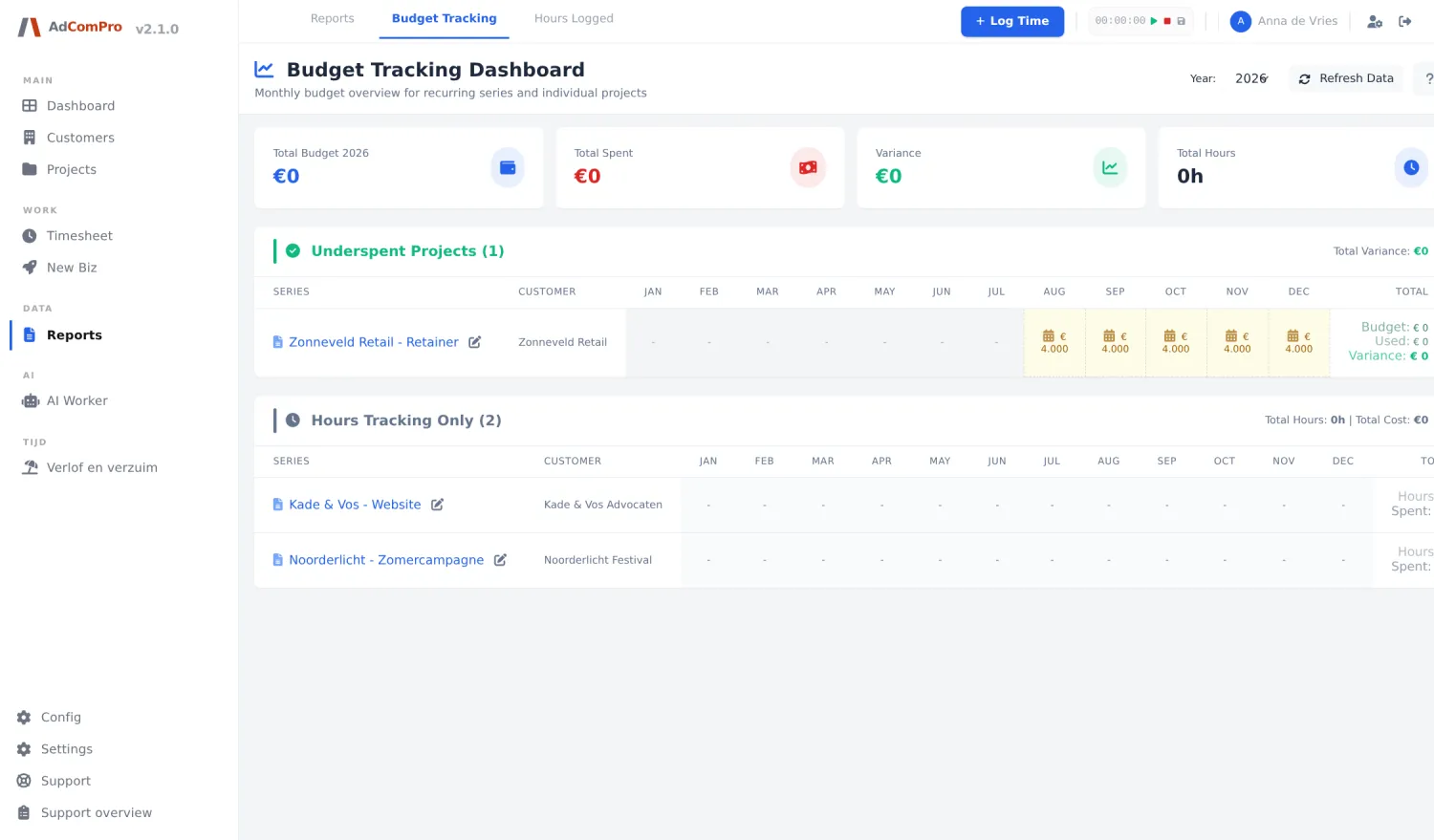
You mark one project in the series as recurring and set how often it repeats: every month, every two months or every quarter. From that moment on, AdComPro creates the next period itself, by default seven days before it starts. The new project gets the period in its name, so you see at a glance which month you’re looking at.
What carries over from the previous period
- The milestones and tasks that are still open, with their rates and settings
- The team, including who may log hours, who may approve and who may see the numbers
- Your own companies that co-invoice on this project, with their agreement
- The recurring additional costs, such as hosting or a licence that runs every month
- The invoice lines you deliberately pushed forward last month
An important detail: the new project is built from the period that just ended, not from the very first project in the series. So a task you added in March is simply there in April. What’s finished stays behind, so you don’t have to tick the same boxes again every month.
And then invoice per period
Each period gets its own report and its own invoice, built from the approved hours and the costs of that particular period. They deliberately go in order: you can only report a new period once the previous one has been closed. That prevents the situation where two months are open at the same time and nobody knows anymore which hour belongs where. Whatever is left of the monthly budget rolls over to the next period — you can read more about that at carrying over retainer budget.
Questions
What people ask about this
What happens if the automatic run skips once?
Then the current period is still created on the next run. A server restart or a failed run doesn’t cost you a month: the system checks whether the current period is missing, not just whether the next one should be ready.
How do I stop a retainer that’s ending?
With one action, from any period in the series: you set after which month it’s done. After that, nothing new is created. The periods that already exist simply remain, so you can still report and invoice the final month properly.
Can this also run per quarter instead of per month?
Yes. Besides monthly you can choose every two months or per quarter. The project name follows that choice, so a quarterly series reads as Q1, Q2 and so on instead of as separate months.
Does this also work for agreements other than a retainer?
In AdComPro a project has a type, and that type determines what the hours are measured against and when an invoice is created. Besides the retainer, those are the support subscription, the fixed price, the prepaid hours card, time and materials, the subscription without hours and internal work. On all features you’ll find what changes per type.
Try it yourself
Enter one retainer and wait for the month to change
The fastest way to see whether this fits your team is to enter one running retainer and see what’s ready by itself around the first of the month. All features are included in the trial month, no credit card needed.