As soon as more than one person logs hours, the question arises who still looks at them before they end up on the customer’s invoice. Without an intermediate step, the answer is: nobody.
The problem
Mistakes only come to light at the customer
An incorrect project selection, too many hours entered or work assigned to the wrong budget can be corrected quickly while it remains within your internal administration. Once included on a sent invoice, a correction requires a credit note and additional client communication.
How AdComPro does it
From draft to submitted to approved
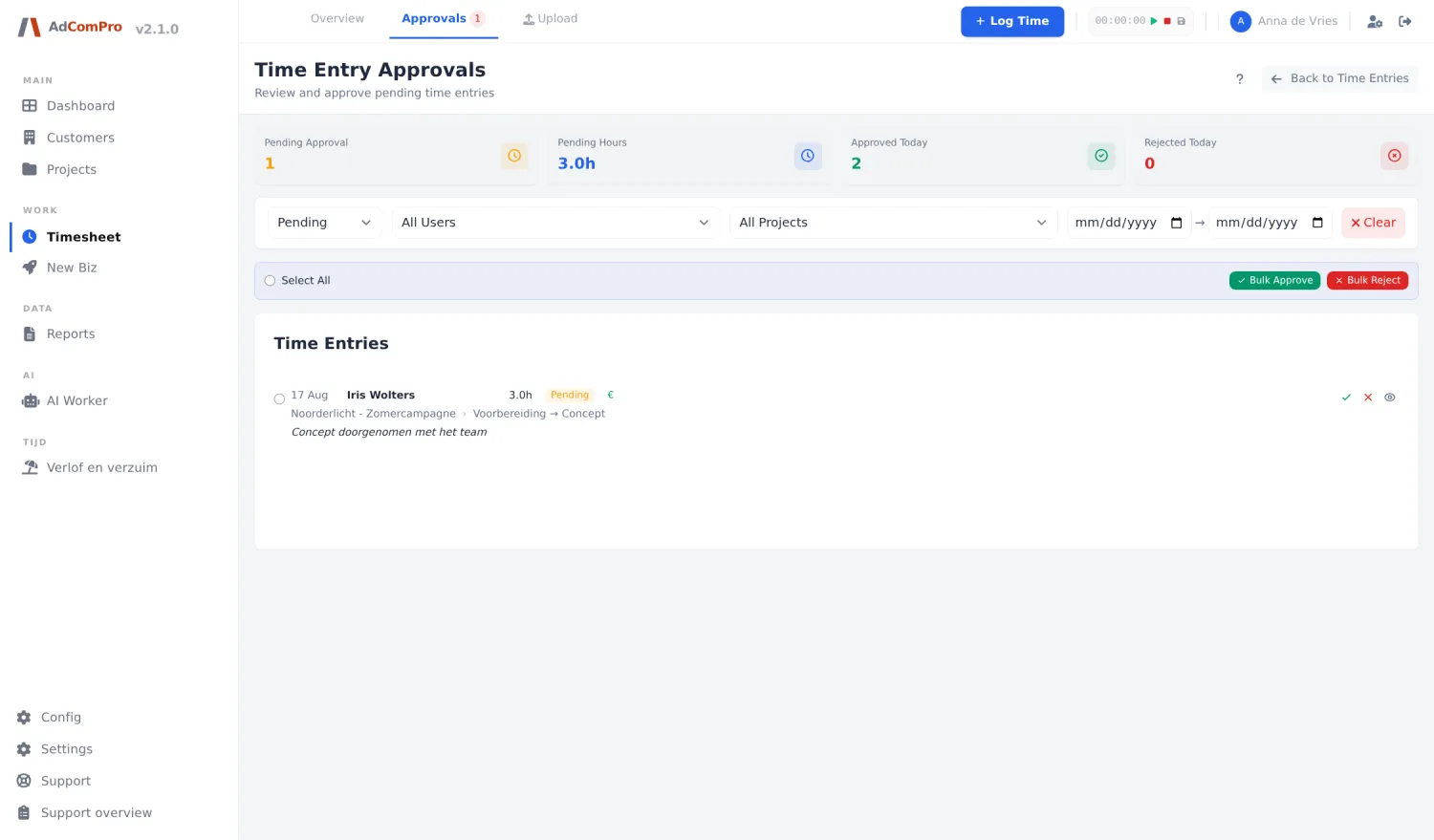
In AdComPro you always log hours on a milestone or task, never just on “the project”. After that they follow a fixed route: draft, submitted, approved. Only approved hours qualify for an invoice.
What that means in practice
- Billable and non-billable sit in the same list, kept apart with a marker
- Approving or rejecting can be done in bulk, and when rejecting you record the reason
- For people you trust you can enable automatic approval; that is noted as such in the log
- What was rejected and why remains there to read back
The marker for automatic approval matters more than it seems. Without that note you can no longer tell later whether an hour was actually checked or just let through automatically. See how approval fits into time tracking for agencies and invoicing from logged hours.
Questions
What people ask about this
Doesn’t it get cumbersome for small teams?
If you work alone, an approval step makes little sense, so you enable automatic approval. As soon as a second person logs hours, the step usually pays for itself within a month.
Can I reject hours without throwing them away?
Yes. Rejecting sends the entry back with a reason attached, so whoever logged it can adjust it. Nothing is lost and you can see afterwards what happened.
What happens to approved hours after that?
They form the basis for the invoice. An invoice is built from approved hours and costs, grouped per milestone or task.
Try it yourself
Run a month through it
During the trial month, invite a few colleagues and have them log hours for a week. The approval step only shows itself once more than one person is entering time.