Running an agency takes more than a full calendar. How do you see what projects earn, which hours still need billing and what you agreed with each client? These practical guides use clear examples you can apply to your own work.
Start with the question you face today
Start with profitability when an assignment takes plenty of time but seems to contribute little. Use the billing review when entries get stuck between time tracking and invoicing. The retainer and pricing guides help you make expectations clear before work begins. Each article includes a worked example and links to more detailed explanations.
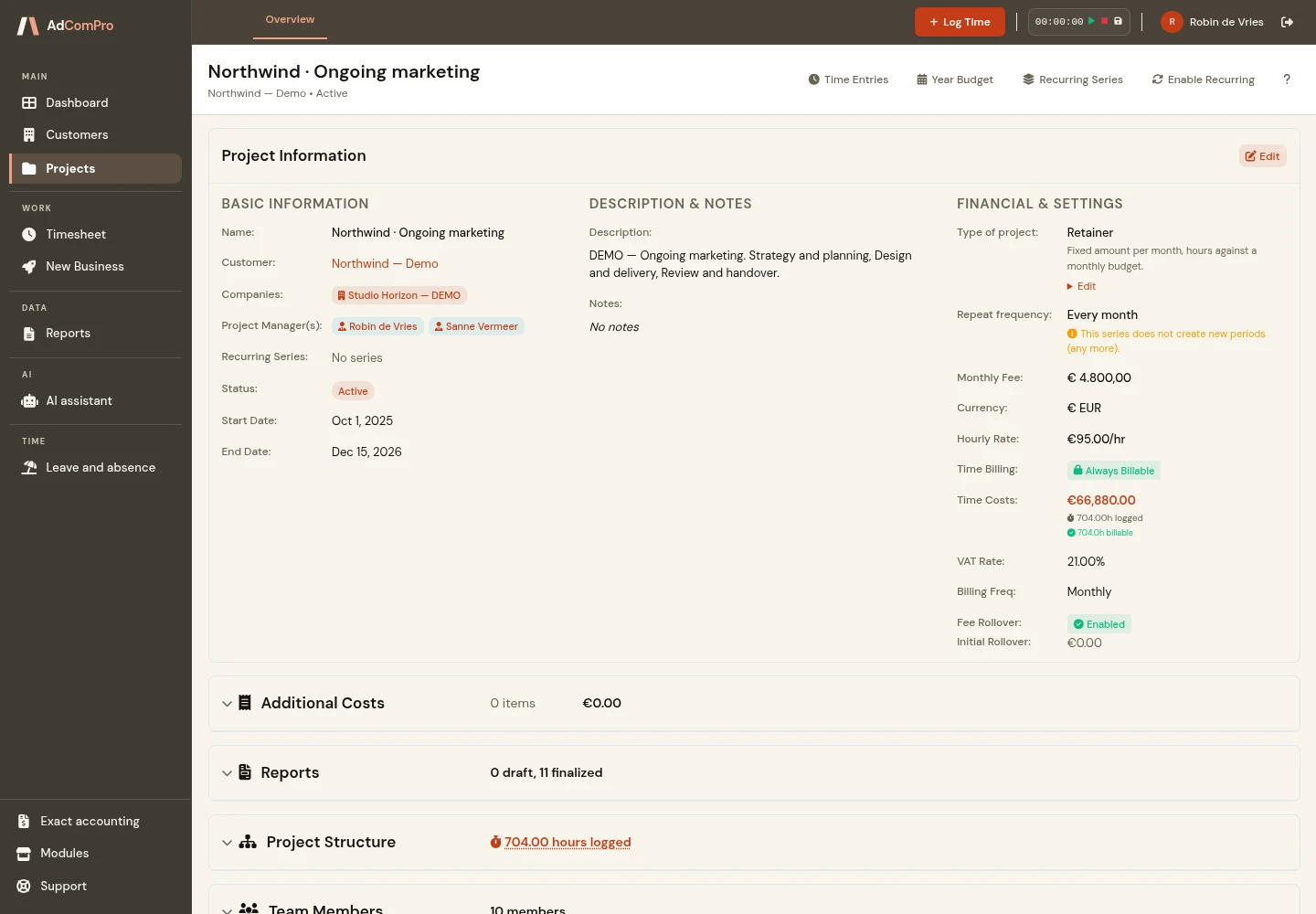
How to calculate project profitability: busy does not mean profitable
A full calendar does not tell you what a project earns. Use a simple worked example to understand where your project contribution comes from — and where it goes.
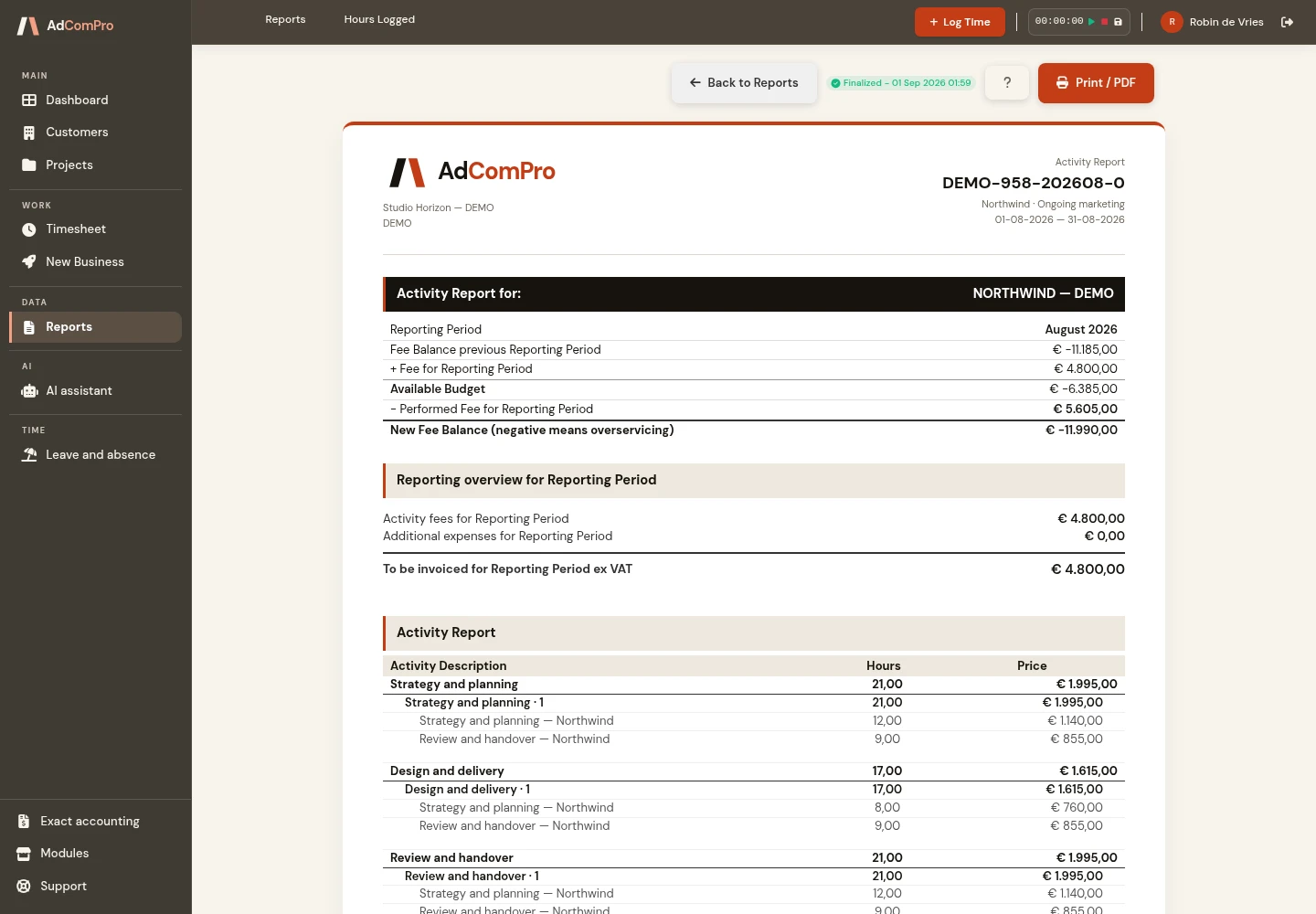
Worked but not billed: how to find the missing hours
Hours rarely disappear dramatically. They sit in a draft, wait for approval or move into next month without a clear reason. Here is how to make the handoffs visible.
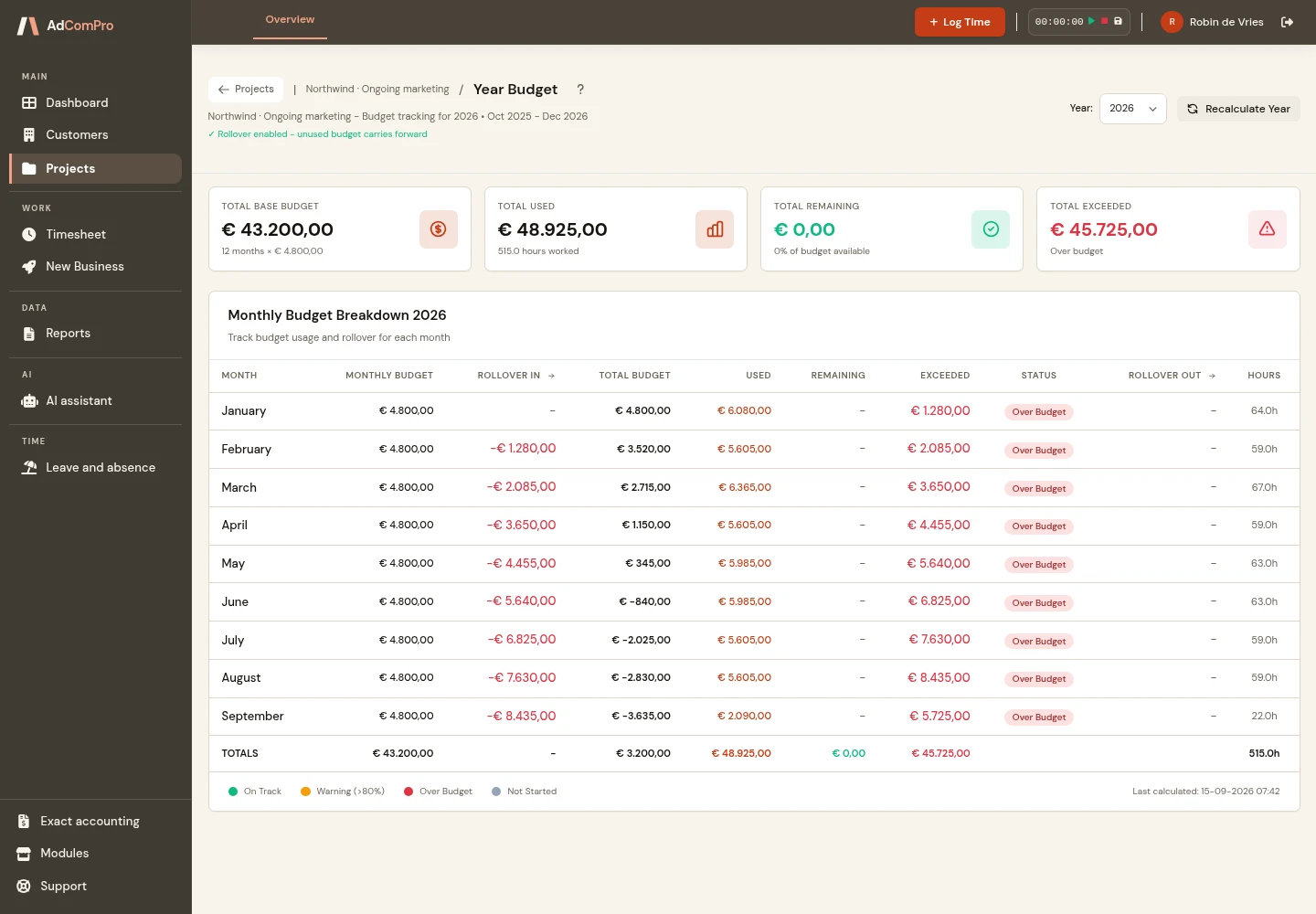
Unused retainer budget: roll it over or revisit the agreement?
A quiet month does not automatically erase a client’s budget. Agree what carries forward, what expires and how the team will handle the work when demand returns.
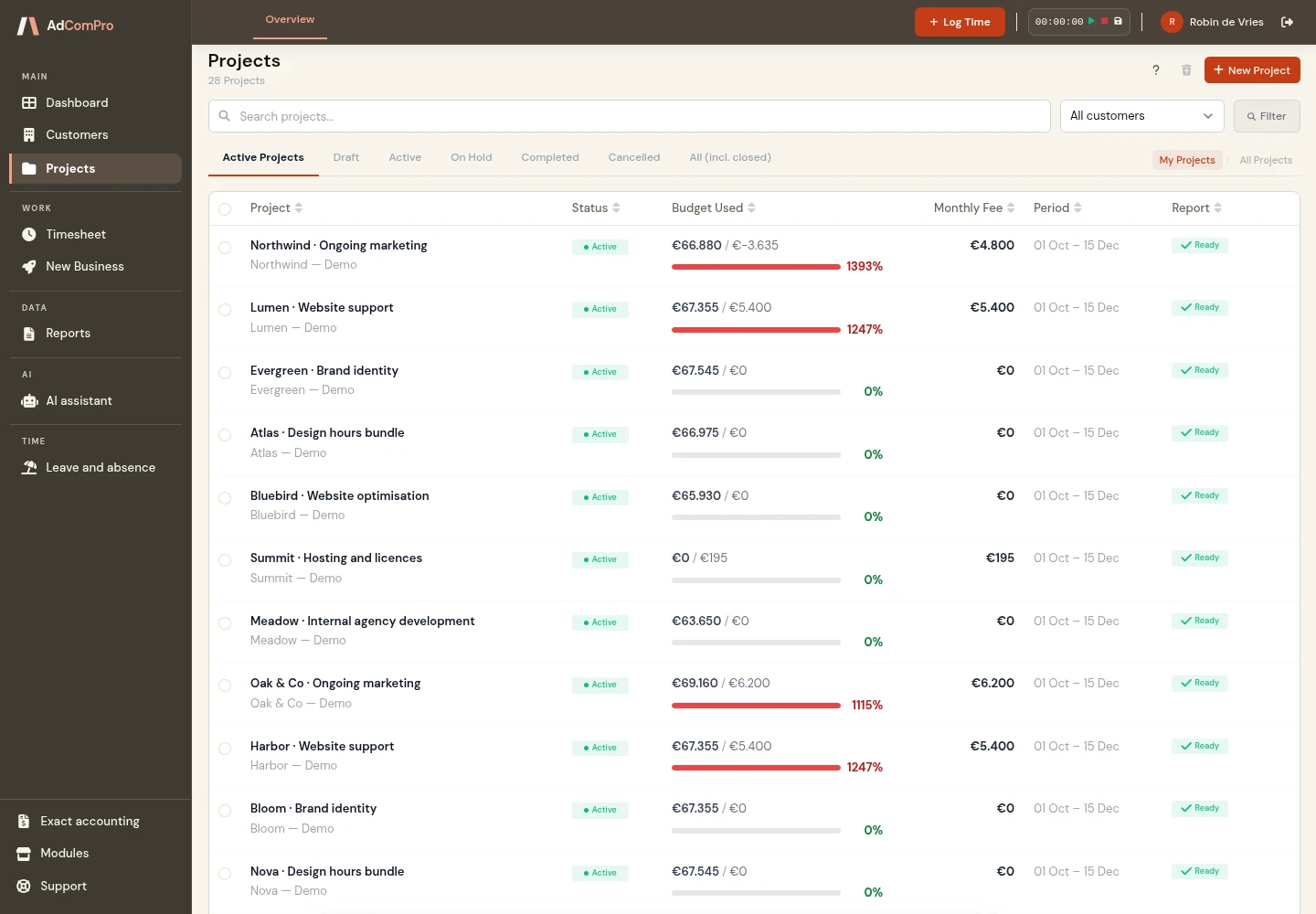
Fixed price or hourly rate: choose the agreement that fits the work
A fixed fee offers certainty; hourly work leaves room for change. Two examples show which agreements make either model work for your agency and its clients.
Useful knowledge for everyday agency work
The examples are deliberately small and fictional so you can repeat the calculations with your own figures. Application screenshots show where projects, hours and amounts come together. Product updates have their own news section. For help with specific screens, visit the documentation.
Put the ideas into practice
Choose one familiar project to try this approach. Explore the interactive demo, browse the features or start a free trial month.